Your CS2 server,
now in TypeScript.
Edit the plugin below, then type the command in game chat. That's the whole loop: write, save, it's live.
import { command, HookResult } from '@s2script/sdk';
import { hudkit } from '@s2script/cs2';

export function OnPluginStart(): void {
  command('', (cmd) => {
    cmd.reply('');
    hudkit.forSlot(cmd.callerSlot)
      .toast({ title: '' });
    return HookResult.Handled;
  });
}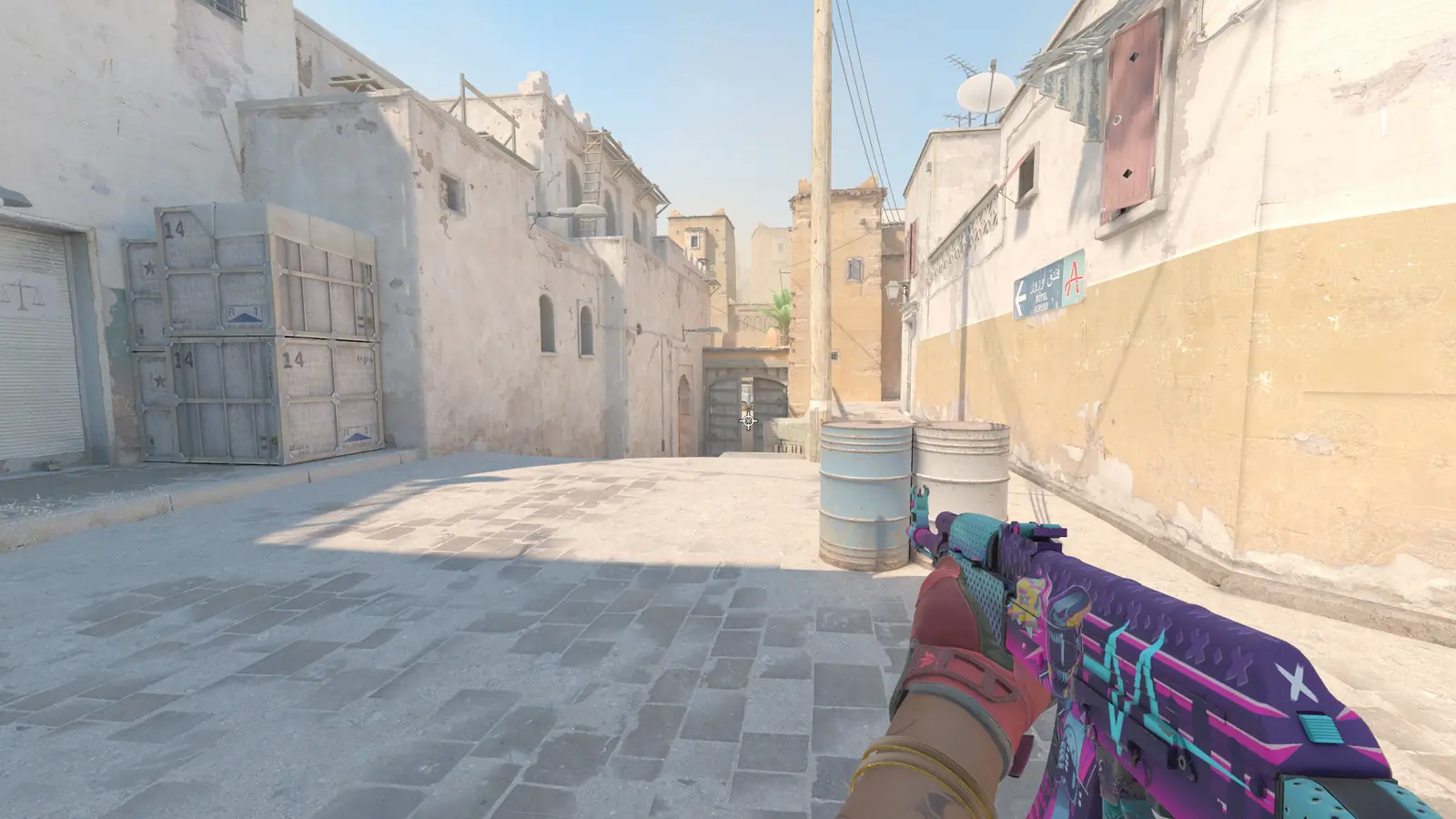
ana: gl hf
kev: rush b?
- restarts to reload a plugin
- 0 restarts to reload a plugin
- first-party plugins ready to install
- 18 first-party plugins ready to install
- command to publish to the registry
- 1 command to publish to the registry
- migration guides, SourceMod to Swiftly
- 4 migration guides, SourceMod to Swiftly
Write
Every feature is a few lines away.
Commands, events, real Panorama HUD, timers, typed config, plugin-to-plugin APIs.
import { command, HookResult, Chat } from '@s2script/sdk';
import { Player } from '@s2script/cs2';
export function OnPluginStart(): void {
command('roll', (cmd) => {
const name = Player.fromSlot(cmd.callerSlot)?.playerName;
const roll = 1 + Math.floor(Math.random() * 100);
Chat.toAll(`${name} rolled ${roll}`);
return HookResult.Handled;
});
}
Chat and console commands in one call. !roll and /roll just work. Docs →
ana: gl hf
kev: !roll
kev rolled 87
Reload
Change code mid-match. Keep the score.
Replace the .s2sp and the plugin reloads in place. Hand your state to the next version with previous(). Try it.
import { hook, previous, Chat } from '@s2script/sdk';
let kills = 0;
export function OnPluginStart(): void {
kills = (previous() as { kills: number } | undefined)?.kills ?? 0;
hook.on('player_death', () => {
kills++;
Chat.toAll(`Kills: ${kills}`);
});
}
export function OnPluginState(): unknown {
return { kills };
}
Ship
A plugin registry, built in.
Publish with s2s deploy. Install on any server with s2s install.
Every package gets a page, versions, a README, browsable source and a config table.
-
One command to ship
Build, types, README and source in one upload.
-
Orgs and scopes
Claim @your-team and publish together.
-
Browsable source
A Code tab with linkable lines, like npm.
-
Config tab for free
package.json config becomes a settings table.
-
Bundles
Release a set of plugins as one install.
-
Restricted packages
Internal plugins, visible to your org only.
-
CI-ready
Deploy tokens and --ci for GitHub Actions.
-
Dependencies resolved
s2s install pulls in what a plugin needs.
Run
Everything a server needs.
Faultline crash reports
Opt in and crashes upload with JS stacks, loaded plugins and minidumps. Read them right here.
Typed game API
Entities, schema fields, events and HUD, typed from the game itself.
Panorama HUD
hudkit menus, toasts, badges and banners, or your own layout.
Plugin interfaces
Publish a typed API. Other plugins import it like a module.
Translations
Reply in each player's language, keys checked at build.
Docs your AI can read
Every page as Markdown, indexed in llms.txt.
Coming from SourceMod?
The APIs you know, in a language you'll like.
public void OnPluginStart() {
RegConsoleCmd("sm_hello", Cmd_Hello);
}
public Action Cmd_Hello(int client, int args) {
ReplyToCommand(client, "hi from slot %d", client);
return Plugin_Handled;
}
export function OnPluginStart(): void {
  command('hello', (cmd) => {
    cmd.reply(`hi from slot ${cmd.callerSlot}`);
    return HookResult.Handled;
  });
}
Ship your first plugin before warmup ends.
Install the runtime, scaffold a plugin, drop it in. Three commands, no restart.
$ npx @s2script/sdk create my-plugin --game cs2
✔ package.json  tsconfig.json  src/plugin.ts
$ npm run build
✔ my-plugin.s2sp
$ cp my-plugin.s2sp server/addons/s2script/plugins/
[s2script] loaded my-plugin